
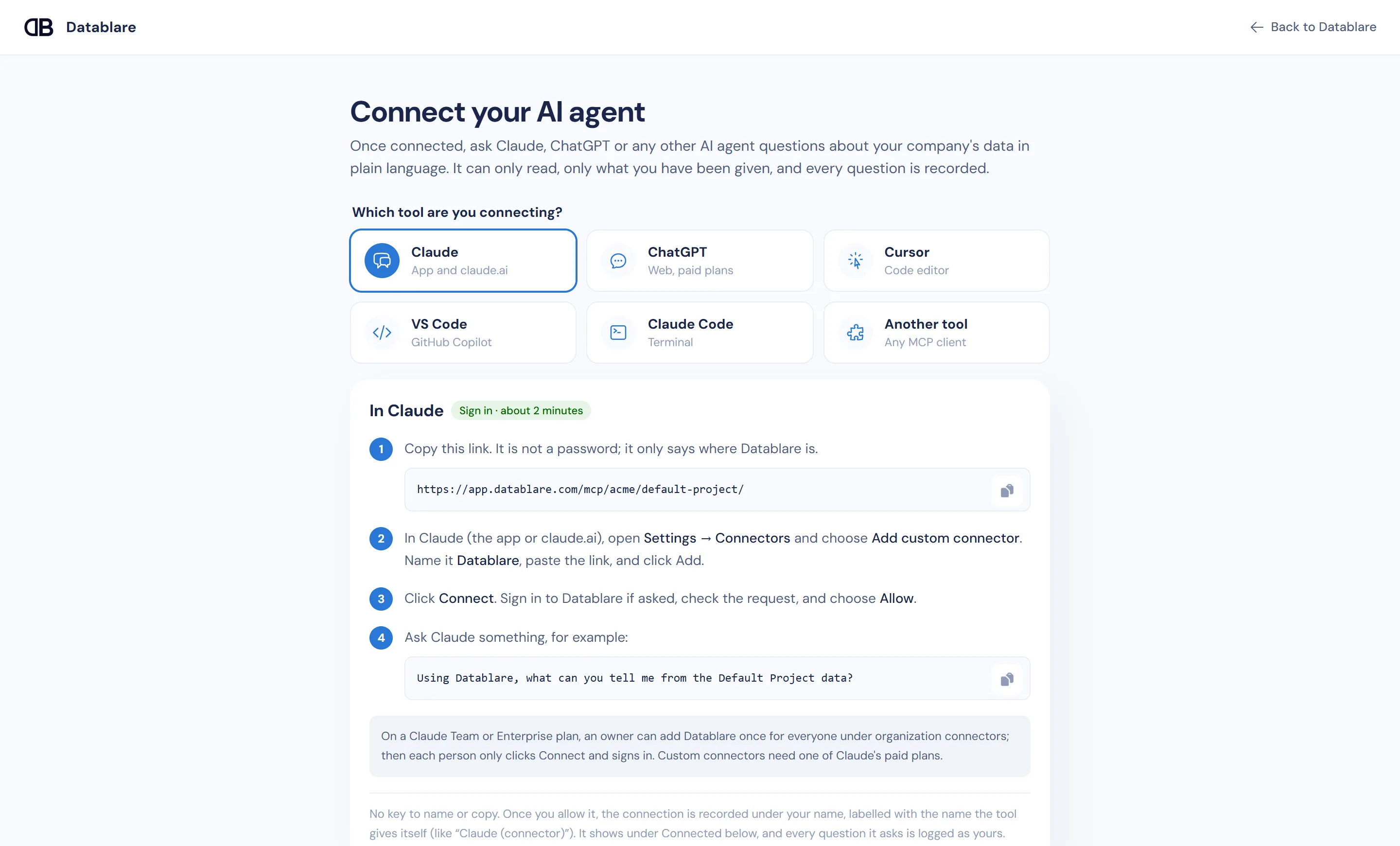
To give Cursor MCP database access, add Datablare to Cursor with the Add to Cursor button on Datablare’s Connect page (or a three-line mcp.json), click Needs login, sign in and allow. Cursor’s Agent mode can then query your PostgreSQL, MySQL, ClickHouse or other database to answer questions while you code — read-only, restricted to the tables and columns you expose, and logged.
Why a raw database MCP server in Cursor is risky
The usual “cursor mcp postgres” setup runs a local server with a connection string in mcp.json. That puts a working database credential in a file on a developer’s machine, often one with more rights than it needs. Agent mode runs tools on its own; one confident wrong step and a DELETE without a WHERE reaches a real table. And there is no shared record of what the agent read.
What Datablare changes for Cursor users
- No credential in the editor.
mcp.jsonholds only the project link. Cursor signs in with OAuth, discovered automatically. - Writes refused twice. Datablare’s SQL guard allows one read statement only, then runs it in a read-only database session. Ask the agent to “fix the bad rows” and you get a refusal with a reason, not a changed table.
- Only what you expose. A project manager picks the tables and can hide columns such as
emailorphone. Bare table names are matched only against exposed tables; an ambiguous name is refused and the agent is asked to qualify it. - Bounded queries. Each query returns at most 5,000 rows and stops after 60 seconds at most, and only a few run at once per database.
- A team-wide record. Every call lands in Audit under the developer’s name. Each connection appears under Connected on the Connect page, labelled with the name Cursor gives itself, where you can disconnect it.
See how it works and security for the full query path.
The Cursor configuration
The Connect page fills in your link. The sign-in version looks like this:
{
  "mcpServers": {
    "datablare-your-project": {
      "url": "https://app.datablare.com/mcp/your-company/your-project/"
    }
  }
}
If you’d rather use a personal key — for a shared machine or an automated agent — the Connect page gives the same block with an Authorization: Bearer header. Keys start with dblr_, are shown once, and can be revoked on the MCP server page; revoking stops them immediately.
Useful in Cursor
Agent mode is good at the questions developers actually ask the database: “how many users hit this code path last week”, “what values does status really take”, “are there orders without positions”. Datablare also passes the table descriptions and rules you write in Modeling, so the agent knows amount is in paise or that test rows should be excluded.
Create a read-only login first
For a development or reporting database, a role with column-level grants keeps the most sensitive fields out even at the database level. A PostgreSQL example for an app schema:
CREATE ROLE datablare_reader LOGIN PASSWORD 'choose-a-strong-password'
  CONNECTION LIMIT 5;
GRANT USAGE ON SCHEMA app TO datablare_reader;
GRANT SELECT ON ALL TABLES IN SCHEMA app TO datablare_reader;
ALTER DEFAULT PRIVILEGES IN SCHEMA app GRANT SELECT ON TABLES TO datablare_reader;

-- Keep personal columns out at the source as well:
REVOKE SELECT ON app.customers FROM datablare_reader;
GRANT SELECT (id, city, created_at) ON app.customers TO datablare_reader;
Better still, point Datablare at a read replica. Engine details: PostgreSQL, MySQL, ClickHouse.
Try it with the e-commerce sample
Connect the one-click e-commerce sample and ask Cursor’s agent:
- Which products were added most recently, and are they active?
- Show stock levels for the ten best-selling articles.
- Which labels are used by the most products?
Get going
Create a free account and click Add to Cursor. Compare plans on pricing. Using VS Code or the terminal? See VS Code and Claude Code.