
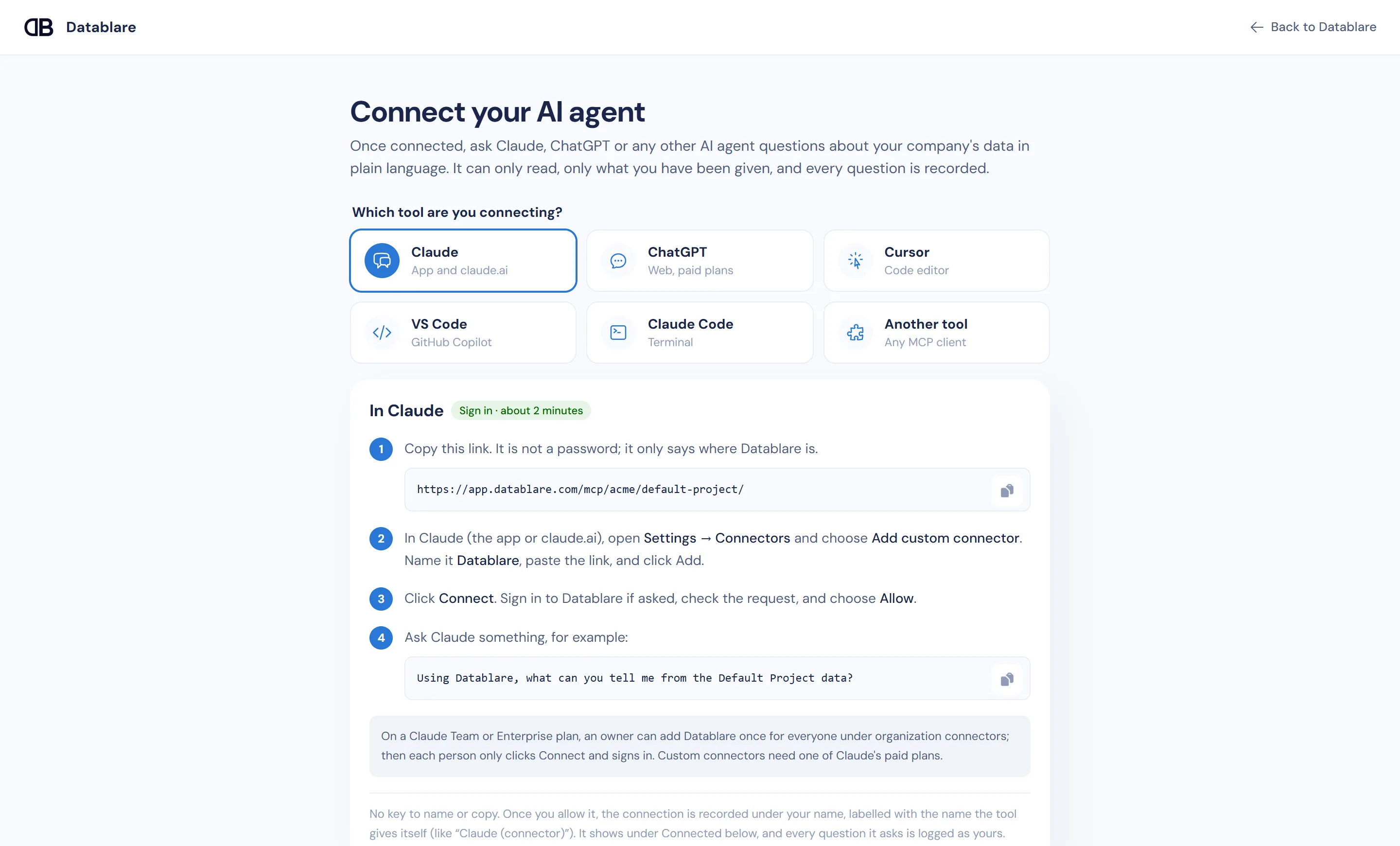
The quickest VS Code MCP database setup is to click Add to VS Code on Datablare’s Connect page, approve the sign-in, and ask GitHub Copilot in Agent mode. Copilot can then query SQL Server, PostgreSQL, Oracle and the other supported engines through Datablare — read-only, scoped to the tables and columns your team exposes, and logged under each developer’s name. No connection string goes into your workspace.
What goes wrong with a local database MCP server
Many “github copilot mcp sql server” guides wire VS Code to a local MCP server holding a SQL Server login. In a shared repository that tends to spread: the config is copied between machines, the login is the one that was handy (often with write rights), and Copilot’s agent is free to try any statement the login allows. If someone later asks what the agent read from production, there is no answer.
What Datablare gives a Copilot team
- One link, personal sign-in. The workspace config holds the project link. Each developer signs in to Datablare with OAuth and gets exactly their own access.
- Read-only, enforced twice. The SQL guard refuses writes,
EXEC,SELECT … INTO,MERGE,WAITFOR,OPENROWSETand multiple statements. What passes runs in a session that cannot keep a change. - Down to the column. Expose the tables Copilot needs; hide columns like
emailorphone. Hidden columns are refused even when named directly. - Every query on record. Audit shows each call — who, the question, the SQL, outcome, rows, time — and the connection appears under Connected on the Connect page, labelled with the name VS Code gives itself.
- Revocable. Disconnect it there, revoke a key, or remove the person; access stops.
Datablare is hosted in India and never stores query results. Details: how it works, security.
The VS Code configuration
.vscode/mcp.json for sign-in:
{
  "servers": {
    "datablare-your-project": {
      "type": "http",
      "url": "https://app.datablare.com/mcp/your-company/your-project/"
    }
  }
}
Need a key instead — for example in a dev container that cannot open a browser? Open Can’t sign in? Use a personal key on the Connect page; it shows the same block with an Authorization: Bearer header. Keys are shown once and stop working the moment they are revoked.
SQL Server specifics
Copilot tends to write bare table names like Orders. On SQL Server those resolve in the login’s default schema, so Datablare runs them only when that default is the schema the exposed table lives in; otherwise it asks for schema.table. Writing names in full (sales.Orders) avoids the round trip. Azure SQL needs Use SSL on. More on the SQL Server page.
Create a read-only login first
SQL Server has no read-only session, so a reader login matters more here. In the target database:
CREATE LOGIN datablare_reader WITH PASSWORD = 'Choose-a-strong-password1';

USE [your_database];
CREATE USER datablare_reader FOR LOGIN datablare_reader;
ALTER ROLE db_datareader ADD MEMBER datablare_reader;

-- Keep a column out entirely:
-- DENY SELECT ON dbo.customers (email, phone) TO datablare_reader;
db_datareader covers tables and views created later too. Using PostgreSQL or Oracle instead? See PostgreSQL and Oracle.
Questions to try on the e-commerce sample
Connect the one-click sample and ask Copilot:
- Which products in the Electronics category are currently active?
- What is the revenue per colour for last month?
- Which customers have more than one shipping address?
Open Audit afterwards to review the SQL Copilot generated.
Start
Sign up free, click Add to VS Code, and sign in. Plans are on pricing. Also see Cursor and Claude Code.